
How Malaysia’s GDP Gets Calculated
A breakdown of the three main approaches used to measure gross domestic product and why the numbers matter for understanding economic health.
Read MoreNavigate official statistics from the Department of Statistics Malaysia — where to find data, how to interpret tables, and what resources are available.

Malaysia’s Department of Statistics publishes detailed national accounts data that tracks how the economy grows and which sectors drive that growth. The data comes in three main formats: quarterly releases, annual compilations, and detailed breakdowns by industry. If you’re trying to understand Malaysia’s economic performance, you’ll want to know how to access and read these tables properly.
The DOSM website can feel overwhelming at first. There’s a lot of information, multiple data tables, and technical terminology that doesn’t always make sense. But once you know where to look and what the numbers actually mean, you’ll have direct access to the official economic picture — no interpretation needed.

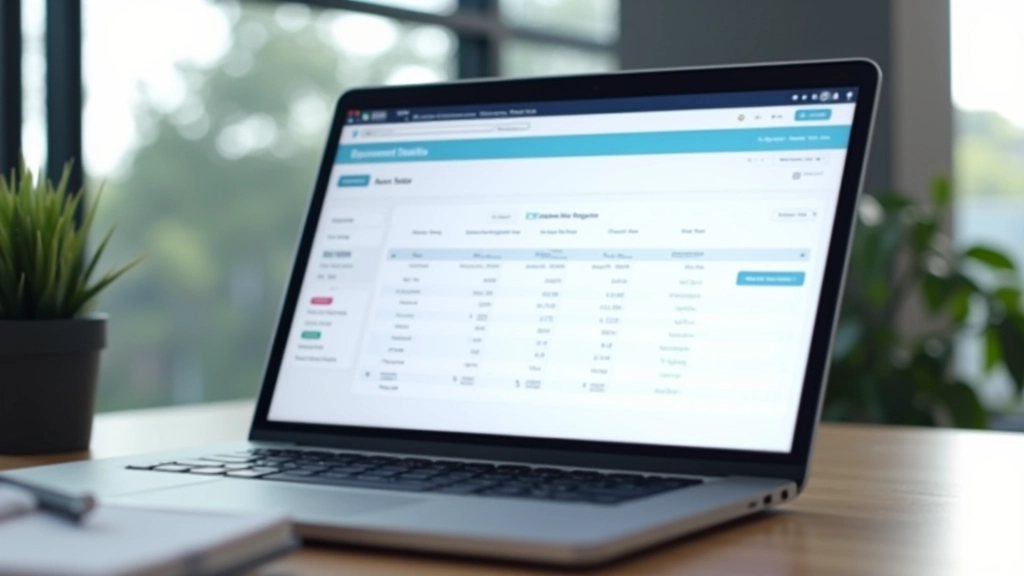
Start at the DOSM website’s National Accounts section. They’ve organized data into three main categories: gross domestic product (GDP), income and expenditure accounts, and input-output tables. The GDP section is what most people need — it’s got quarterly figures, annual breakdowns, and year-over-year comparisons.
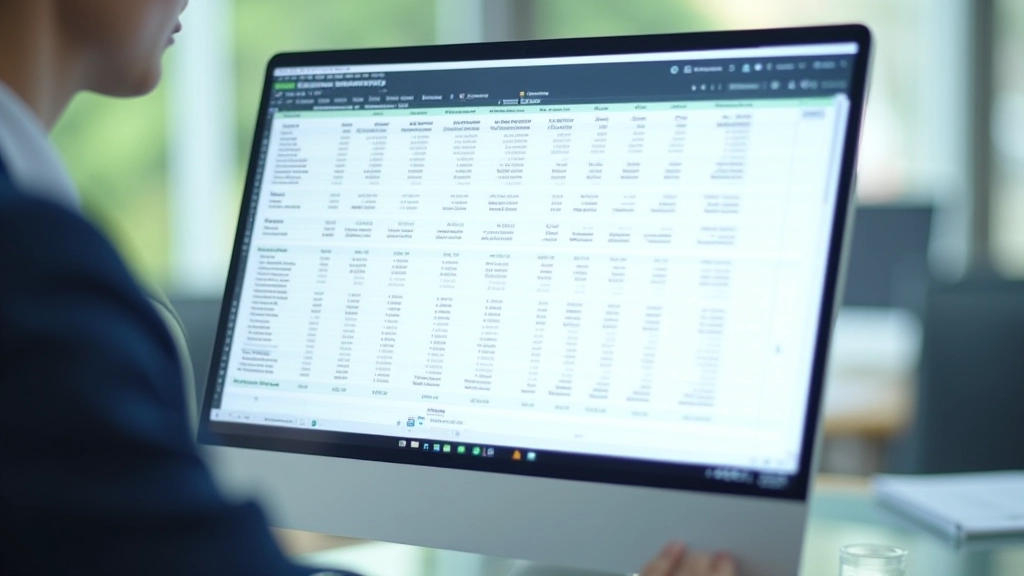
You’ll find data available in two formats: Excel files for detailed exploration and PDF reports for official statements. The Excel files are more useful if you’re doing analysis. Each file includes multiple sheets with different aspects of the same data — current prices, constant prices, growth rates, and percentage contributions.
Download frequency matters too. DOSM releases quarterly GDP figures about 6-8 weeks after the quarter ends. That means Q4 data usually comes out in February. Full-year data gets released in March. If you’re looking for the most recent figures, check the release calendar on their main page.
GDP tables use specific terminology that’s worth understanding. “Current prices” means the raw numbers without adjusting for inflation — what actually happened. “Constant prices” removes inflation so you can see real growth, not just nominal increases. When you see “2020 constant prices,” that means everything’s adjusted to 2020 values.
The columns matter significantly. Year-over-year growth (year-on-year or YoY) shows how this quarter compares to the same quarter last year — this removes seasonal patterns. Quarter-over-quarter growth shows change from the previous quarter but includes seasonal effects. They’re measuring different things, so don’t mix them up.
Malaysia’s economy splits into three broad sectors: agriculture (including forestry and fishing), industry (manufacturing, mining, utilities, construction), and services (wholesale, retail, transport, finance, real estate, and government). The services sector dominates, accounting for roughly 55% of GDP in recent years. Manufacturing and industry make up about 30%, while agriculture contributes roughly 8-10%.
What’s interesting is how these proportions shift. Over the past decade, services have grown while agriculture’s share has declined. Manufacturing stays relatively stable but fluctuates with global trade. When you’re analyzing growth, you’ll want to see which sectors are expanding and which are shrinking — that tells you what’s driving the economy forward.
DOSM breaks these down further. Services gets split into subcategories like finance, tourism, transportation, and wholesale/retail. Manufacturing gets divided by type — electronics, petrochemicals, food processing, etc. The more detailed tables show you where actual economic activity is concentrated.
Beyond the raw data tables, DOSM offers several resources that make analysis easier
DOSM publishes short press releases alongside each quarterly release. These highlight the main growth figures, sector performance, and notable trends. They’re written for non-specialists, so they’re a good starting point before diving into the full tables.
Their website includes some interactive visualization tools that let you select time periods and sectors. You can generate custom charts without needing Excel. It’s useful for quick comparisons and visual pattern-spotting.
DOSM maintains comprehensive historical datasets going back decades. You can download entire years of data in one file. This is invaluable if you’re doing trend analysis or comparing long-term patterns across multiple years.
If you want to understand how they calculate everything, DOSM publishes detailed methodology guides. They explain their data sources, calculation methods, and any revisions they’ve made. It’s technical but thorough.
Start with the summary tables, not the detailed ones. The summary gives you GDP growth and the main sector breakdowns. Once you understand the overall picture, you can dig into specific industries or time periods that interest you.
Always note the price basis. If you’re comparing figures across different reports, make sure they’re both in constant prices or both in current prices. Mixing them will give you nonsensical results. The same applies to comparing year-over-year figures — they need to use the same base year.
Watch for revisions. DOSM occasionally revises historical data when they get better information or change their methodology. The most recent quarter’s figure is often preliminary and gets revised the next quarter. If you’re tracking trends, use the most recently revised figures, not the preliminary ones.
Don’t ignore the notes and footnotes. DOSM includes explanations about data quality, special circumstances, and any breaks in the series. These matter when you’re trying to understand whether a big change is real growth or a data artifact.

You can’t directly compare a figure in current prices with one in constant prices. The differences are massive and misleading. Always check which basis each table uses before making comparisons.
The first quarterly release is provisional. DOSM revises it twice more over the following months as they get better data. For analysis, always use the most recent revision, not the initial release.
Some sectors have strong seasonal patterns. Quarter-over-quarter comparisons can be misleading if you don’t account for this. Use year-over-year figures instead for a clearer picture.
A sector growing 5% while overall GDP grows 3% doesn’t mean it’s “winning.” You need to look at absolute size too. A small sector growing fast matters less than a large sector growing slightly.
DOSM data is the authoritative source for understanding Malaysia’s economy. It’s comprehensive, well-organized, and freely available. The learning curve isn’t steep — you just need to understand a few key concepts about how the data’s structured and what the numbers actually represent.
Start by downloading the most recent quarterly report in Excel format. Open the GDP summary sheet. Look at the year-over-year growth rate and the sector contributions. That’s your baseline. From there, you can explore deeper into specific sectors or time periods depending on what interests you.
The DOSM website gets updated regularly, and they publish new data on a fixed schedule. Once you understand where to find things and how to read the tables, you’ll have access to the same economic data that policymakers and analysts use. That’s real value — direct access to official numbers without anyone else’s interpretation filtering it.
Visit the DOSM website and download this quarter’s national accounts data. Spend 20 minutes looking at the summary tables. You’ll see Malaysia’s economic story directly from the official source.

This article is informational and educational in nature. It’s designed to help you understand how to access and interpret DOSM national accounts data. The information here reflects publicly available data and standard economic analysis practices. Economic interpretation can vary based on context, methodology, and individual circumstances. Always verify data directly from official DOSM sources and consider consulting with economic specialists if you’re making significant decisions based on this information. We’re not providing economic advice or forecasting — just explaining how the data works and where to find it.